Home › Chat World
3D sceneryChat World
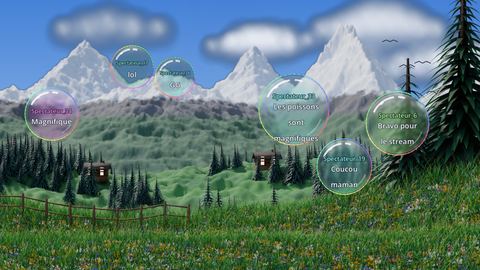
Not a game: four little cartoon 3D worlds for your stream (meadow and volcano, sea and reef, outer space, sky and floating islands). Every chat message becomes a soap bubble floating in the scenery. No command to type.
Rules
One message, one bubble
Any message written in chat appears in a bubble with the viewer's name and colour. Messages starting with “!” (bot commands) are ignored.
Four universes
The meadow (day and night, changing weather, volcano, dinosaur), the sea and its reef (corals, fish, jellyfish, turtles), outer space (planets, galaxies, asteroids, flying saucer and rocket) and the sky (floating islands, hot-air balloons, rainbow).
Universe rotation
The admin picks the starting universe, or turns on automatic rotation: which universes are included, the order (in sequence or random), the time spent in each and the number of changes (0 = endless). Left and right arrows: previous or next universe.
Chat influences the world
Words typed in chat act on the scenery: “storm”, “rain”, “sun”, “volcano”, “roar”, “night”… (can be turned off).
Admin menu
Esc opens the menu: weather, time, length of a day, bubble lifetime and size, quality (modest computer), Twitch channel, language. Keys 1 to 4 change the weather, 5 triggers an eruption, 6 to 9 change the time.
Settings
What the streamer can adjust before or during the live.
- Starting universe — Possible values : The meadow and its volcano, The sea and its reef, Outer space, The sky and its islands
- Universes in the rotation (comma separated)
- Rotation order — Possible values : In sequence, Random
- Time per universe (minutes) — from 0.25 to 120
- Number of changes (0 = endless) — from 0 to 999
- Weather — Possible values : Automatic, Sunny, Cloudy, Rain, Thunderstorm
- Fixed hour (0 to 23, empty: time passes) — from 0 to 23
- Length of a day (seconds) — from 30 to 3600
- Bubble lifetime (s) — from 5 to 90
- Bubble size — from 0.5 to 2
- Bubbles at once — from 3 to 60
- Quality — Possible values : High, Low (modest computer)
Use Chat World on your live
- Create a free JS Game account and open the game in your browser: nothing to install.
- Enter your Twitch channel in the settings.
- Capture the game window in OBS: your chat can play right away.
FAQ
Do I need to install Chat World?
No. The game runs in your browser; you then capture it in OBS.
Is Chat World free?
Yes, JS Game offers its games for free.
How do viewers take part?
They type the game's commands in the chat of your Twitch live.
More games for your live
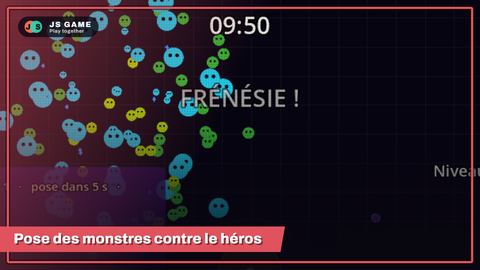 Monster Survivors
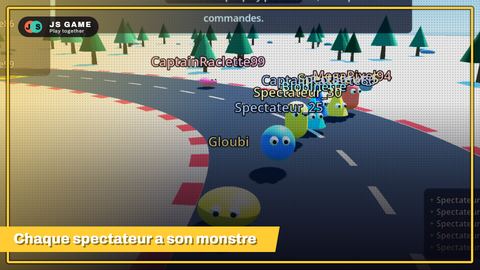 Monster race
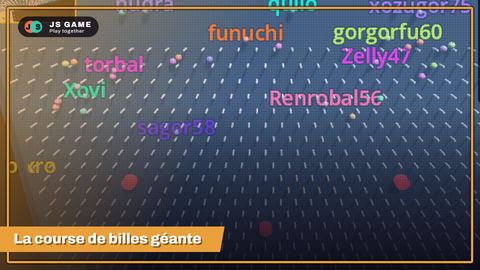 Mega Marble
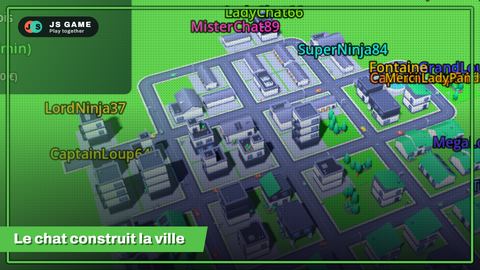 City Twitch
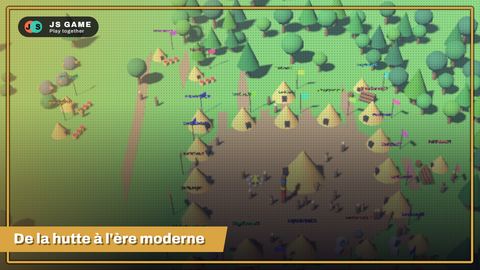 Empire Twitch
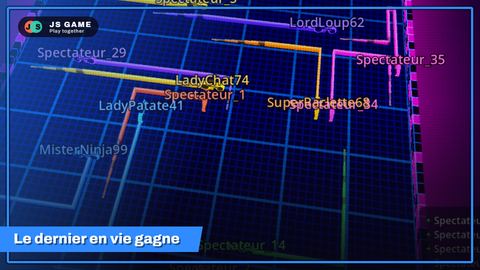 Neon Live Trails
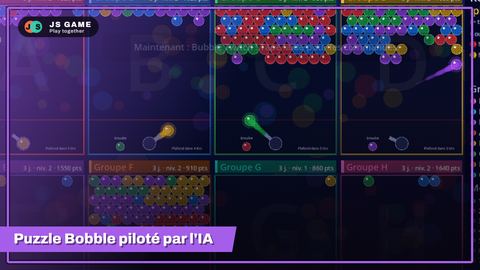 Bubble Twitch
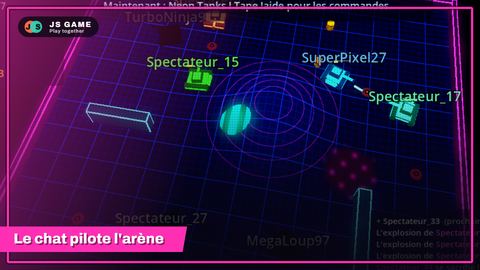 Neon Tanks
 Tower Defense
 World Twitch War
 Battleship
 Chat Bubbles
 Chat Bubbles 2
 Word Twitch
 Duel
 Twitch Town
 Factory Twitch
 Run Chicken Run
 Treasure Hunt
 Blob Arena
 Artillery Twitch
 European Haulage Tycoon