Home › Bubble Twitch
NewBubble Twitch
AI-driven Puzzle Bobble: the cannon fires on its own, the chat types !play then !A to !H to pick a group, and !rouge, !bleu, !vert… to pick the colour of the next marble. Up to 8 rooms competing, time-limited mode with a descending ceiling, custom background images (Settings menu in the game).
Chat commands
Viewers play by typing these commands in your live chat.
!play or !jouer | Join the game: you are placed in the least crowded room. You stay signed up. |
!A or !B, !C, !D, !E, !F, !G, !H | Join (or switch to) a specific group. Groups compete on score. You can switch every 8 s. |
!rouge or !bleu, !vert, !jaune, !violet, !orange | Your marble of this colour will be the next one fired by your room's cannon (one marble waiting per viewer, every 4 s, colour still present on the board). |
!aide or !help, !commandes | Lists the commands in the chat. |
!site or !jeux | Gives the website and the other games. |
Rules
The goal
The AI aims and fires on its own. Three or more marbles of the same colour that touch pop, and those no longer attached to the ceiling fall. The chat decides the colours fired.
The rooms
Up to 8 rooms (groups A to H) are shown at the same time. A new room opens when the others are full (10 players per room by default). Groups compete on score.
Points
Points go to the viewer whose marble made the combination.
| Action | Points |
|---|---|
| Marble popped | 10 |
| Marble that falls | 20 |
| Last shot of a level | +100 |
Levels
When the board is empty, the next level is richer (more rows, more colours). The ceiling drops one row after a few shots without a combination; if marbles touch the red line, the level is replayed.
Time-limited mode
Adjustable in the settings: sign-ups, then a game of fixed length. When time runs out, the ceiling drops faster and faster until game over: the goal is to pop as many marbles as possible before the end. Final ranking of groups and players, then new sign-ups. Joining mid-game can be disabled.
Background images
In the game, Settings button (bottom left) or the Esc key: Backgrounds tab, one image for one or several rooms. Images stay in your browser.
Settings
What the streamer can adjust before or during the live.
- Maximum players — from 1 to 2000
- Maximum players per room — from 1 to 200
- Maximum rooms (groups A to H) — from 1 to 8
- Join mid-game (time-limited mode) — Possible values : Yes, No, only at sign-ups
- Time-limited mode: game length (s, empty = no limit) — from 10 to 7200
- Sign-up duration before the game (s) — from 3 to 600
- Ceiling drop speed (px/s) — from 2 to 80
- Fake viewers at the start — from 0 to 300
Use Bubble Twitch on your live
- Create a free JS Game account and open the game in your browser: nothing to install.
- Enter your Twitch channel in the settings.
- Capture the game window in OBS: your chat can play right away.
FAQ
Do I need to install Bubble Twitch?
No. The game runs in your browser; you then capture it in OBS.
Is Bubble Twitch free?
Yes, JS Game offers its games for free.
How do viewers take part?
They type the game's commands in the chat of your Twitch live.
More games for your live
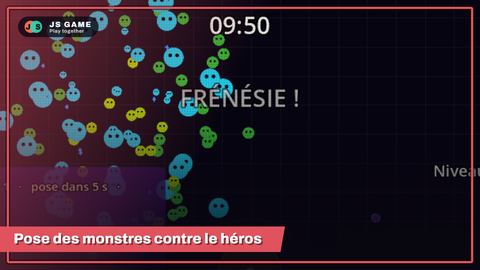 Monster Survivors
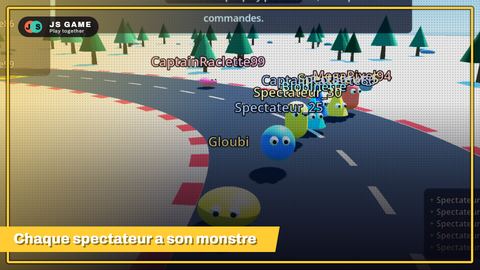 Monster race
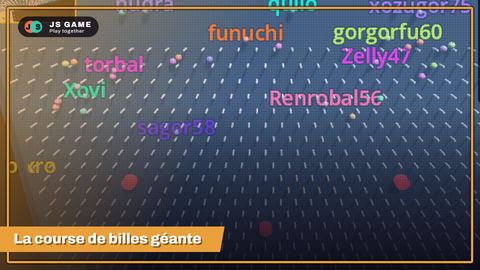 Mega Marble
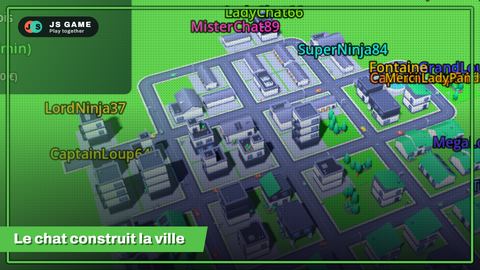 City Twitch
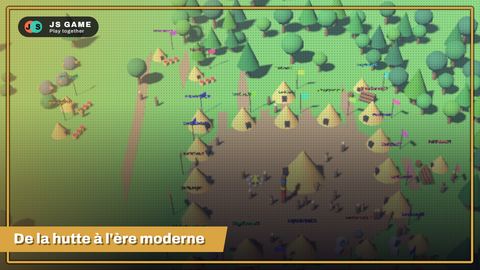 Empire Twitch
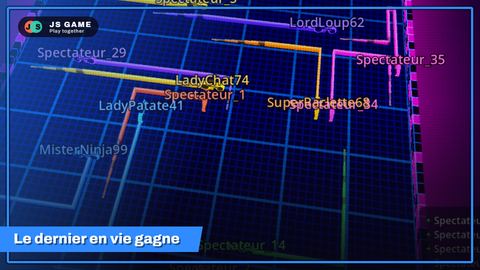 Neon Live Trails
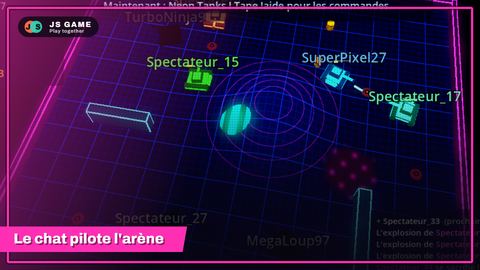 Neon Tanks
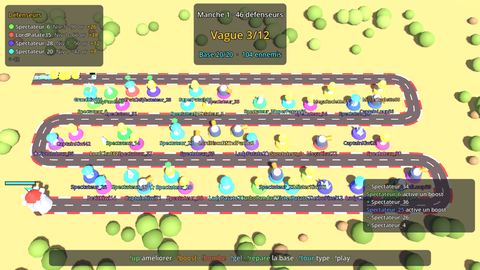 Tower Defense
 World Twitch War
 Battleship
 Chat Bubbles
 Chat Bubbles 2
 Word Twitch
 Chat World
 Duel
 Twitch Town
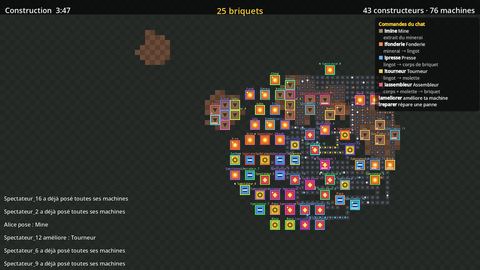 Factory Twitch
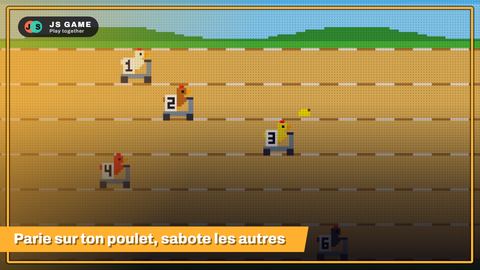 Run Chicken Run
 Treasure Hunt
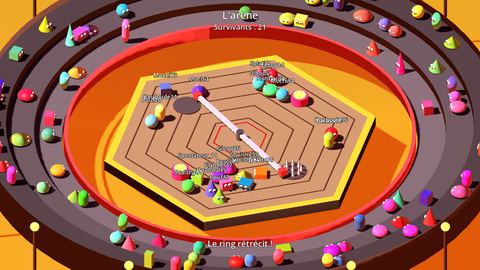 Blob Arena
 Artillery Twitch
 European Haulage Tycoon