Home › Chat Bubbles
SceneryChat Bubbles
Not a game: a mood for your stream. Every chat message becomes a bubble floating in a pretty animated scene (sea and reef, outer space, sky and hills). No command to type.
Chat commands
Viewers play by typing these commands in your live chat.
!aide or !help, !commandes | Lists the commands in the chat. |
!site or !jeux | Gives the website and the other games. |
Rules
One message, one bubble
Any message written in chat appears in a soap bubble, with the viewer's name and colour. Messages starting with “!” (bot commands) are ignored.
The scenes
The sea with its coral reef, fish and jellyfish (bubbles rise); outer space with planets, galaxies and meteorites (bubbles float); the sky with clouds, mountains and green hills (bubbles drift with the wind). More are coming.
Choosing the scene
Esc opens the menu: scene, bubble lifetime and size, maximum count, Twitch channel. Keys 1, 2 and 3 switch scene, and the scene can also change by itself at regular intervals.
Settings
What the streamer can adjust before or during the live.
- Scene — Possible values : The sea, Outer space, The sky, Autumn (transparent background), Swiss mountains (transparent background), Caribbean seabed, Heroic fantasy tavern (illustration), Heroic fantasy tavern (3D)
- Weather — Possible values : Automatic, Clear, Windy, Rain, Storm, Snow, Fog
- Bubble lifetime (s) — from 5 to 90
- Bubble size — from 0.5 to 2
- Bubbles at once — from 3 to 80
- Switch scene every N minutes (0: never) — from 0 to 120
Use Chat Bubbles on your live
- Create a free JS Game account and open the game in your browser: nothing to install.
- Enter your Twitch channel in the settings.
- Capture the game window in OBS: your chat can play right away.
FAQ
Do I need to install Chat Bubbles?
No. The game runs in your browser; you then capture it in OBS.
Is Chat Bubbles free?
Yes, JS Game offers its games for free.
How do viewers take part?
They type the game's commands in the chat of your Twitch live.
More games for your live
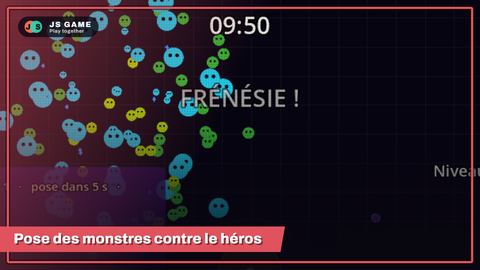 Monster Survivors
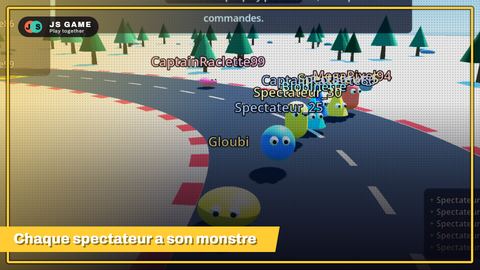 Monster race
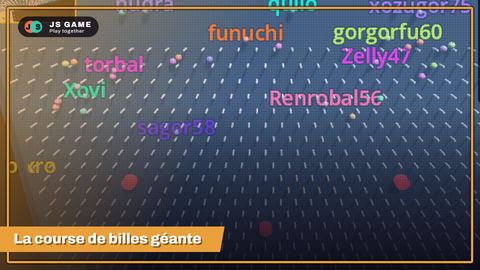 Mega Marble
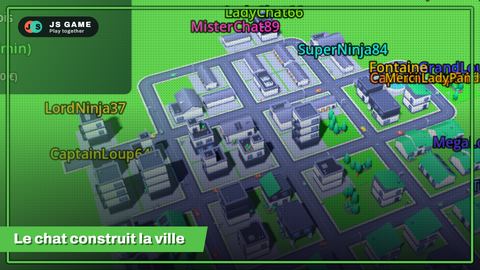 City Twitch
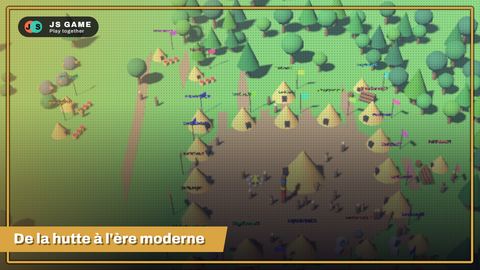 Empire Twitch
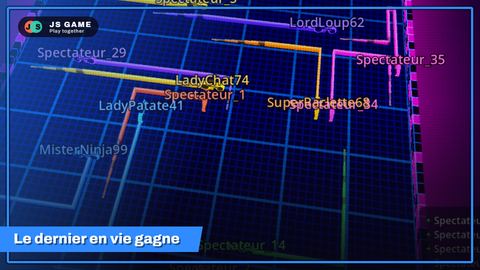 Neon Live Trails
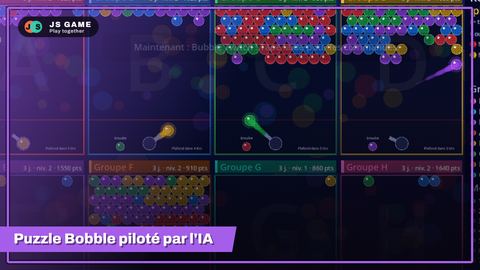 Bubble Twitch
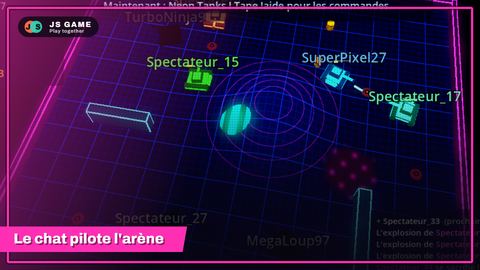 Neon Tanks
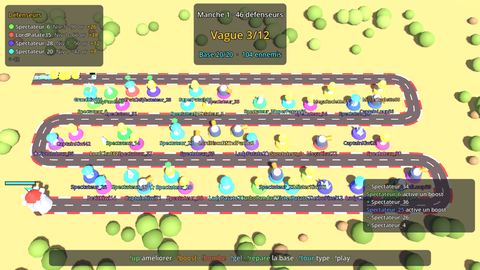 Tower Defense
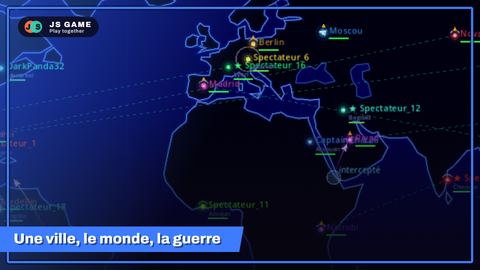 World Twitch War
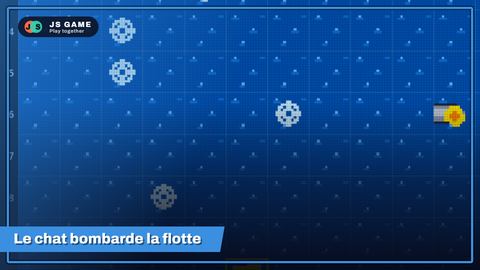 Battleship
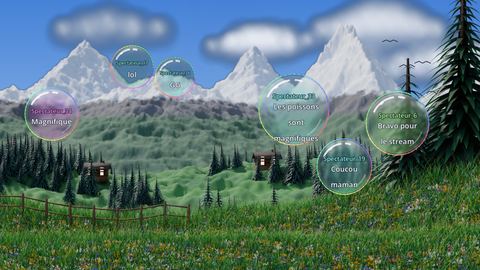 Chat Bubbles 2
 Word Twitch
 Chat World
 Duel
 Twitch Town
 Factory Twitch
 Run Chicken Run
 Treasure Hunt
 Blob Arena
 Artillery Twitch
 European Haulage Tycoon